
By kodewright · Published: 2026-07-29
URL Slug Generator Online: How to Create SEO-Friendly Slugs
Generate clean, SEO-friendly URL slugs online in seconds, with Cyrillic transliteration and duplicate detection built in. Try the free generator now.
A URL slug is the part of the address after the domain that names one specific page — in editlyapp.com/blog/url-slug-generator-online, the slug is url-slug-generator-online. Get it wrong and you end up with /post?id=48291 or /2019/03/17/untitled-draft-copy-2; get it right and the URL itself tells a reader — and Google — what the page is before anyone clicks.
Paste a title into our URL Slug Generator — runs 100% in your browser, zero data sent to any server — and it lowercases, hyphenates, transliterates, and de-duplicates for you. Below is the exact rule set it's built on, and why each rule exists.
The Rules of an SEO-Friendly Slug
Not all of these carry equal weight. A few are Google's stated behavior; a few are readability conventions that just happen to correlate with better click-through. Here's the full set, in order of how much they actually matter:
- Lowercase only. Mixed case creates duplicate-URL risk —
/About-Usand/about-uscan be crawled as two different pages unless your server forces a redirect. - Hyphens, not underscores. Google reads a hyphen as a word boundary and an underscore as a joining character.
word-countindexes as two searchable words;word_countcan index as one token. - Three to five words. Long enough to describe the page, short enough that the search snippet doesn't cut it off mid-word.
- Your target keyword, once. Placed naturally, not stacked. Google bolds a matching term in the URL line of the snippet — that's a click-through nudge, not a ranking multiplier.
- No dates, unless the content genuinely is time-bound. A dated slug on an evergreen guide just tells readers the advice might be stale.
- ASCII characters only — transliterated, not deleted. Accents and non-Latin scripts need conversion, not stripping, or the meaning disappears along with the character.
- No trailing or doubled separators.
/best--coffee-shops-is a classic sign the slug was hand-edited after the fact and never cleaned up.
How Google Actually Uses the Slug
The URL isn't a heavyweight ranking factor the way it was treated in 2010s-era SEO advice — Hummingbird and later BERT made Google far better at understanding page content directly, keyword-stuffed or not. What the slug still does is win or lose the click.
Google typically shows only the first 60–70 characters of a URL's path in the search snippet before truncating it — the same kind of practical, render-based limit we cover for the description line itself in our meta description length guide. A slug that runs long doesn't get penalized; it just gets cut off, and the reader never sees the second half of your careful keyword placement.
Short, on-topic slugs are a trust signal a searcher reads in about half a second — long before they read your title.
The Transliteration Problem — Why "Just Lowercase and Replace Spaces" Breaks
A naive slugify function — lowercase the string, swap spaces for hyphens — works fine on Best Coffee Shops in Brooklyn. It falls apart the moment the title has an accent or a non-Latin script in it.
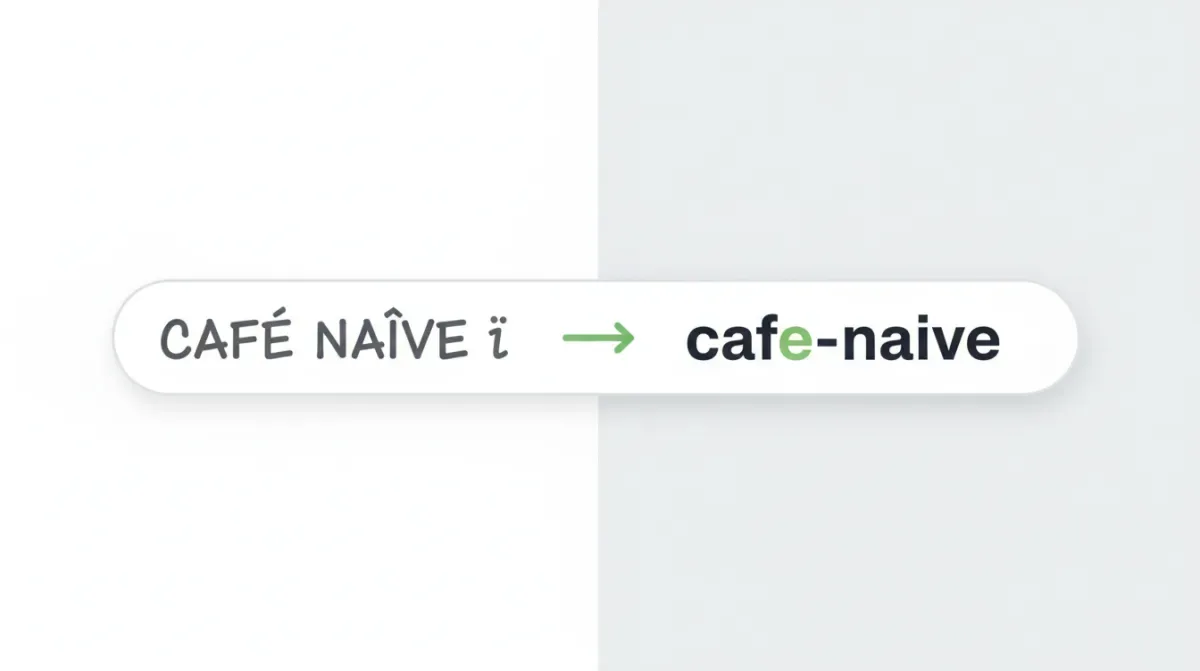
Run café naïve through a regex that only keeps [a-z0-9-] and you get caf-nave — the é and ï vanish instead of converting, silently mangling the word. Run a Ukrainian title like Кращі кав'ярні Києва through the same naive filter and every letter is stripped, leaving nothing but the bare hyphens where the spaces used to be — a broken -- instead of an empty string, since the naive version usually forgets to collapse or trim the leftovers too.
Here's the same two titles run through the naive approach versus the actual transliteration our generator applies:
| Input | Naive [a-z0-9-]-only filter | Our generator |
|---|---|---|
café naïve | caf-nave (accents silently dropped) | cafe-naive (NFKD strips the accent, keeps the letter) |
Кращі кав'ярні Києва | -- (every letter stripped, only stray hyphens survive) | krashchi-kav-iarni-kieva (transliterated by sound, fully readable) |
Our generator handles both cases properly instead of dropping characters:
- NFKD Unicode normalization decomposes accented Latin letters into a base letter plus a combining mark, then strips the mark — café becomes
cafe, naïve becomesnaive, meaning intact. - A Ukrainian-convention Cyrillic-to-Latin table converts by sound rather than deleting — г becomes
h, х becomeskh, щ becomesshch— so a Cyrillic title still produces a readable, pronounceable ASCII slug instead of an empty string or a wall of percent-encoding.
That matters even for English-only sites the moment a guest post author's byline, a product name, or a quoted brand includes a diacritic — one café-badge blog post is all it takes to hit the bug.
Bulk Slug Generation — The Migration Use Case
If you're moving a blog off WordPress, restructuring a Shopify catalog, or importing a CSV of 400 article titles into a new CMS, generating slugs one at a time in your head isn't a plan — it's a way to end up with three pages named /report by the third import.
Switch the generator to batch mode, paste one title per line, and it converts the whole list in a single pass. Each row is checked against every other row, and any slug that would collide with another gets flagged with a duplicate badge before you ever hit import. That's the failure mode spreadsheet-and-regex approaches miss most often: Q3 Planning Meeting and Q3 Planning Meeting (Updated) can both slugify down to something that collides once punctuation gets stripped, and you won't notice until two pages are fighting over one URL in production.
If your source titles arrive from an export in inconsistent casing — ALL CAPS HEADLINES mixed with Title Case — running them through our Case Converter first won't change the generated slug (lowercasing happens automatically either way), but it cleans up the human-readable title column in the same spreadsheet, which you'll still need for the page's actual <h1>.
Recommended Slug Length by Context
There's no single hard limit enforced platform-wide — this is guidance based on how each context displays or handles the URL, not a system-level cutoff:
| Use Case | Recommended Length | Why |
|---|---|---|
| Blog post | 3–5 words (~40–60 characters) | Matches where Google's search snippet typically truncates the URL line |
| E-commerce product page | 2–4 words (~30–50 characters) | Category + product name; SKUs and variants belong in structured data, not the path |
| Documentation page | 2–3 words per segment (~20–40 characters) | Nested category paths add up — keep each segment lean since the full path length compounds |
| News or evergreen article | Skip the date unless the story is time-bound | A dated slug ages an evergreen piece the moment the year changes |
Common Slug Mistakes That Are Easy to Miss
Changing a live slug without a redirect. An indexed URL that changes without a 301 pointing the old path to the new one drops its backlink history — Google effectively treats it as a brand-new page it has to re-earn trust for.
Keyword-stuffing the slug itself. /best-cheap-affordable-budget-coffee-shops-brooklyn-nyc reads as spam to a human and gains nothing over /cheap-coffee-shops-brooklyn — the keyword only needs to appear once.
Leaving auto-generated numeric IDs in place. /product-48291 tells a reader nothing. It's technically valid, but it wastes the one part of the URL that could have carried context for free.
Trailing or doubled hyphens from manual edits. /coffee-shops--brooklyn- usually means someone edited the slug by hand after generating it and didn't check the result — run it back through the generator instead of patching it manually.
Once your slugs are set, a quick pass through the Word Counter on the page's title and meta description keeps the rest of the on-page metadata consistent with the URL you just built — same keyword, same phrasing, no mismatch between what the link promises and what the page delivers.