
By kodewright · Published: 2026-05-13
camelCase vs snake_case: When to Use Which (With Examples)
camelCase or snake_case? The answer depends on your language, layer, and team convention. Full breakdown with language rules, API gotchas, and a conversion tool.
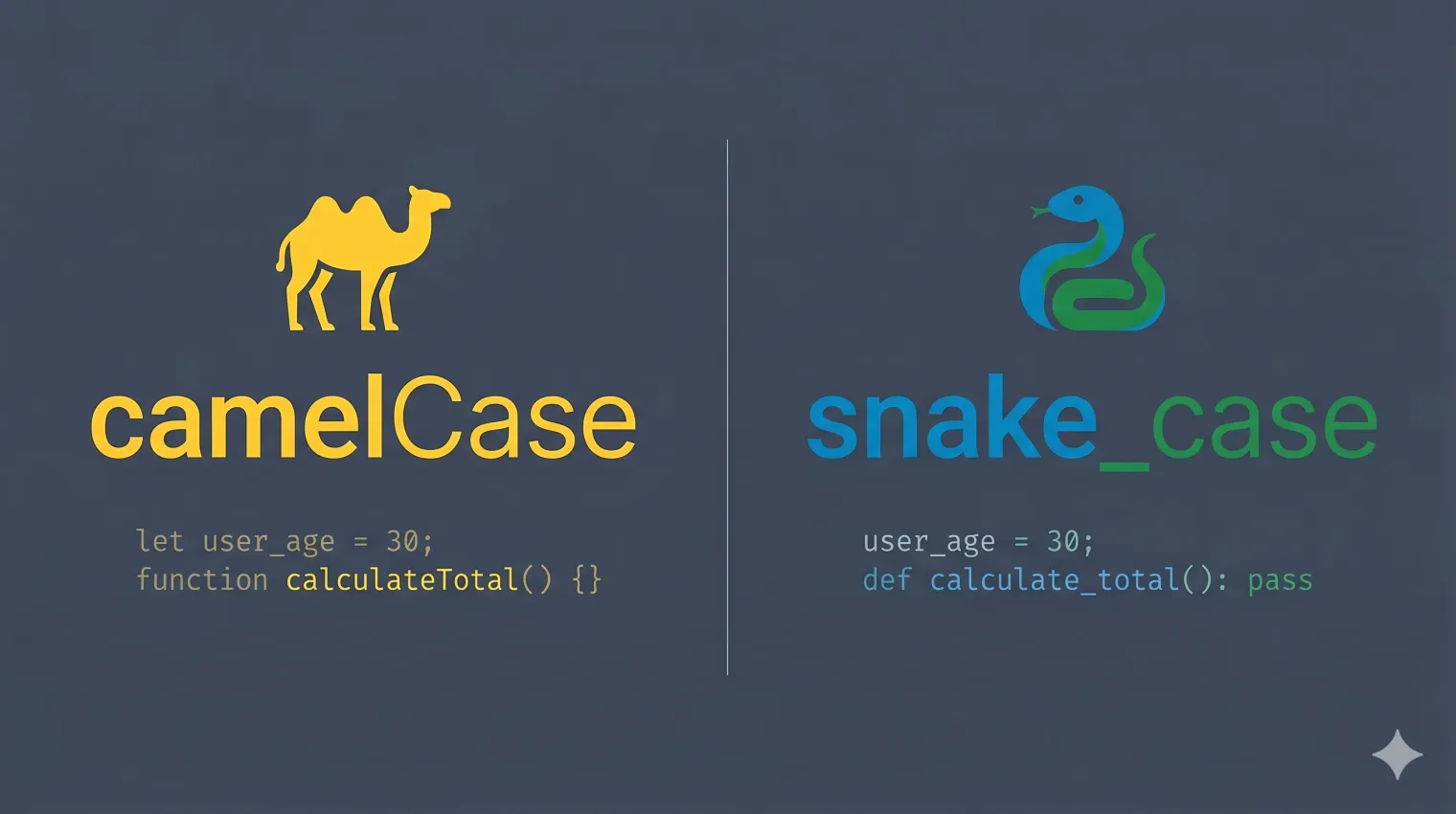
The answer takes about 30 seconds to give and a career to fully internalize: use what the language community already decided. camelCase in JavaScript. snake_case in Python. Done.
But the real complexity is at the boundaries — JSON APIs, database schemas, config files, and cross-language projects where two communities collide. That's where things get messy, and that's what this article covers.
Quick Reference: Which Convention Goes Where
Before diving into the why, here's the definitive lookup table:
| Context | Convention | Example |
|---|---|---|
| JavaScript variables / functions | camelCase | wordCount, parseText() |
| JavaScript classes | PascalCase | TextAnalyzer, WordCounter |
| JavaScript constants | UPPER_SNAKE_CASE | MAX_WORDS, DEFAULT_WPM |
| TypeScript interfaces / types | PascalCase | TextStats, AnalysisResult |
| TypeScript / Vue file names | kebab-case | word-counter.ts, text-analyzer.vue |
| Python variables / functions | snake_case | word_count, parse_text() |
| Python classes | PascalCase | TextAnalyzer, WordCounter |
| Python constants | UPPER_SNAKE_CASE | MAX_WORDS, DEFAULT_WPM |
| Ruby / Rails | snake_case | word_count, parse_text |
| Go | camelCase / PascalCase | wordCount (unexported), WordCount (exported) |
| Java / Kotlin public methods | camelCase | getWordCount(), parseText() |
| SQL column names | snake_case | word_count, created_at |
| CSS class names | kebab-case | word-counter, text-toolbar |
| URL slugs | kebab-case | /case-converter, /remove-spaces |
| npm package names | kebab-case | nuxt-gtag, vue-router |
| JSON REST API keys | camelCase (JS-first) or snake_case (Python-first) | wordCount / word_count |
| Environment variables | UPPER_SNAKE_CASE | NODE_ENV, API_SECRET |
Bookmark that table. It covers 95% of the decisions you'll make on a given project.
camelCase: The JavaScript and Java Choice
camelCase concatenates words by capitalizing the first letter of each word after the first: wordCount, parseText, maxRetries.
Where it's the law:
- JavaScript and TypeScript variables, functions, and object properties
- Java instance methods and variables
- Objective-C methods
- JSON keys consumed by JavaScript frontends (by convention, not spec)
- Go unexported identifiers (
wordCount) and exported identifiers via PascalCase (WordCount)
The origin of camelCase in JavaScript traces directly to Java. Brendan Eich designed JavaScript's syntax to appeal to Java developers in 1995, and JavaScript's built-in APIs followed Java's convention: getElementById, addEventListener, hasOwnProperty. Fifteen years of browser APIs trained an entire generation to type camelCase instinctively.
The PascalCase variant (UpperCamelCase) capitalizes every word, including the first: TextAnalyzer, HttpRequest, WordCounter. In JavaScript, PascalCase signals "this is a constructor or class." In C# and Java, it's used for all public methods — a gotcha when you first read .NET source code coming from a JS background.
snake_case: The Python and Database Choice
snake_case lowercases everything and separates words with underscores: word_count, parse_text, max_retries.
Where it's the law:
- Python variables, functions, and module names (PEP 8 — non-negotiable in any serious Python project)
- Ruby and Rails methods and variables
- PostgreSQL and MySQL column names (enforced by convention, not the DB engine)
- Rust variables and functions
- C standard library functions (
printf,strlen— technically no separator, but single words) - Environment variable names in UPPER_SNAKE_CASE variant
Why Python chose snake_case: Guido van Rossum wrote PEP 8 in 2001 to describe the style already used in Python's standard library. The library predated PEP 8, and it used snake_case because Unix utilities and C had established that pattern for multi-word identifiers. Python simply codified existing practice.
The PostgreSQL trap with camelCase columns: SQL is case-insensitive by spec, and PostgreSQL folds every unquoted identifier to lowercase at parse time. If you create a column named wordCount, Postgres stores it as wordcount. Your SELECT wordCount FROM ... query silently works — until a junior dev writes SELECT "wordCount" FROM ... with quotes, gets a column "wordCount" does not exist error, and spends an hour debugging. The fix is to always quote it, which then means you must quote it everywhere forever. word_count has no such trap — it survives the case fold intact. Use snake_case and save yourself the bikeshedding. snake_case also aligns with how ORMs like SQLAlchemy, Prisma, and ActiveRecord generate migration column names by default.
The API Boundary Problem
This is where most teams make mistakes.
A Python backend (snake_case) serving a JavaScript frontend (camelCase) creates a decision: whose convention wins at the API layer?
Option 1: snake_case throughout
The backend returns { "word_count": 432 }. The frontend accesses response.word_count. This works, but it feels wrong in JavaScript — properties that look like Python. If you're using TypeScript, your interfaces now have snake_case keys, which stands out against every JavaScript convention.
Option 2: camelCase throughout
The backend serializes to { "wordCount": 432 }. FastAPI does this automatically with alias_generator. Django REST Framework supports it via a custom renderer. The frontend gets native-looking keys.
Option 3: pick a standard and stick to it JSON:API spec uses camelCase. OpenAPI recommendations favor camelCase. GraphQL (schema and queries) is strictly camelCase by convention. If you're building a public API, camelCase is what most SDK generators expect.
The worst option: mixing them. { "wordCount": 432, "created_at": "2026-05-13" } — this is what happens when two people wrote the serializer without talking. Normalize at the serializer layer, not the client.
Here's how the three options look in practice:
┌─────────────────────────────────────────────────────────────┐
│                    API BOUNDARY OPTIONS                     │
├───────────────┬─────────────────┬───────────────────────────┤
│ Option        │ API Response    │ Frontend access            │
├───────────────┼─────────────────┼───────────────────────────┤
│ snake_case    │ word_count: 432 │ response.word_count        │
│ camelCase     │ wordCount: 432  │ response.wordCount  ✓      │
│ Mixed (avoid) │ wordCount: 432, │ response.wordCount +       │
│               │ created_at: …   │ response.created_at  ✗    │
└───────────────┴─────────────────┴───────────────────────────┘
Converting Between Conventions
At some point you'll need to convert — either refactoring a codebase, adapting a third-party API response, or migrating a database schema.
The regex approach is the most reliable way to convert camelCase to snake_case programmatically:
// camelCase → snake_case
const toSnakeCase = (str) =>
  str.replace(/([a-z])([A-Z])/gu, '$1_$2').toLowerCase()

// snake_case → camelCase
const toCamelCase = (str) =>
  str.replace(/_([a-z])/gu, (_, c) => c.toUpperCase())
The key pattern is ([a-z])([A-Z]) — it matches every transition from lowercase to uppercase, which is exactly a camelCase boundary. Note the u flag: while this specific pattern only targets ASCII letters, building the u flag habit matters for any pattern that handles Unicode text.
VS Code step-by-step (no plugin needed):
- Open Find & Replace:
Ctrl+H(Windows/Linux) or⌘+H(Mac) - Click the
.*icon to enable regex mode - Find:
([a-z])([A-Z]) - Replace:
$1_$2 - Hit Replace All — this inserts underscores at every camelCase boundary
- Open the terminal and run the file through a lowercase pass, or do a second Find All →
[A-Z]→ lowercase manually
The $1 and $2 in the replacement string reference the two capture groups in the pattern — $1 is the lowercase letter before the boundary, $2 is the uppercase letter after it. A lot of devs don't realize VS Code's regex replace supports capture group back-references out of the box, no extension needed.
For one-off conversions, paste your identifier into our Case Converter — runs 100% in your browser, zero data sent to any server — and pick the output format from the dropdown.
For bulk renaming across a document or pasted code block, use Find & Replace with the regex ([a-z])([A-Z]) → $1_$2 to convert camelCase to snake_case, then follow up with a second pass to lowercase. The tool supports full regex with capture group substitution and shows a live match count before you commit.
If you're curious how the regex approach compares to other text processing patterns, the regex find & replace guide covers capture groups, quantifiers, and lookaheads in detail.
The Edge Cases That Trip Everyone Up
Acronyms in camelCase: Should it be parseHTML or parseHtml? getURL or getUrl? Google's Java style guide says treat acronyms as words: parseHtml, getUrl. Microsoft's C# guide says keep them uppercase if they're 2 characters: GetIO, but GetUrl. JavaScript has no universal rule. Pick one and document it — inconsistency within a codebase is the actual problem.
Numbers in identifiers: base64Encode or base_64_encode? The convention is to treat numbers as lowercase word characters: base64Encode, to_utf8. Some teams write toUtf8, some toUTF8 — again, the style guide matters more than the individual choice.
Leading underscores: _privateMethod is a JavaScript convention (not enforced by the language) to signal "don't call this from outside the module." Python uses a single leading underscore (_private) the same way, and double underscore (__mangled) triggers name mangling in classes. In modern JavaScript with #privateField syntax, the underscore convention is largely obsolete, but you'll still see it in older codebases.
Database primary keys: Most frameworks expect id, not Id or ID. Foreign keys follow the pattern user_id, post_id — snake_case with _id suffix. Keep this consistent or your ORM will generate queries that don't match your schema.
A Note on Tooling Enforcement
The most important property of a naming convention is that you don't have to think about it. If your team argues about case in code review, you're spending mental energy on the wrong thing.
ESLint has camelcase and @typescript-eslint/naming-convention rules that enforce casing at the linter level. Black (Python formatter) doesn't rename variables, but pylint and flake8 with PEP 8 plugins will flag snake_case violations. Set up the linter rule once, enforce on CI, and the conversation ends.
For ad-hoc text work — API responses, config files, migration scripts — the Case Converter handles all common formats including camelCase, snake_case, PascalCase, kebab-case, and UPPER_SNAKE_CASE in a single click.
And if you've ever pasted a blob of text with inconsistent casing and needed to normalize it, the approach in the how to remove extra spaces from text online article applies here too — clean the text first, then transform.
The Short Answer
- JavaScript / TypeScript: camelCase for variables and functions, PascalCase for classes
- Python: snake_case for variables and functions, PascalCase for classes, PEP 8 is not optional
- SQL / Databases: snake_case, always
- CSS / URLs / npm: kebab-case
- Environment variables: UPPER_SNAKE_CASE
- JSON APIs: camelCase if JS-first, snake_case if Python-first — pick one and serialize consistently
When you're working across layers and need to convert quickly, the Case Converter handles all formats without leaving the browser.