
Автор: Vibe Apps Pro Team · Опубліковано: 2026-05-27
Сортувати рядки за алфавітом: VS Code, термінал і онлайн
Сортуй рядки за алфавітом у VS Code, терміналі чи онлайн — плюс пастки з чутливістю до регістру й локаллю, які тихо міняють результат. Відсортуй свій список зараз.
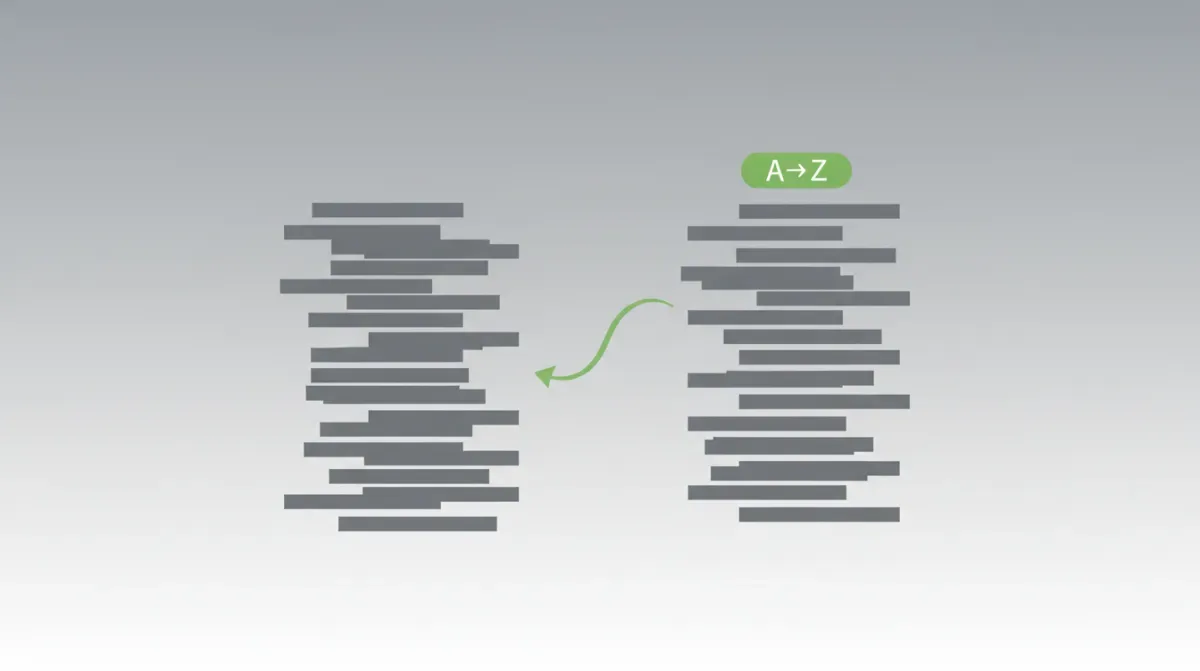
Щоб відсортувати рядки за алфавітом, у тебе є три надійні варіанти: встав список в онлайн-сортувальник і натисни A→Z, запусти Sort Lines Ascending з Command Palette у VS Code, або прожени файл через sort у терміналі. Усі три працюють. Твіст, про який ніхто не згадує, — вони не завжди узгоджуються один з одним: чутливість до регістру й налаштування локалі тихо змінюють порядок, який ти отримуєш.
Це та частина, яка кусається. Ти сортуєш список у VS Code, сортуєш «той самий» список на машині колеги за допомогою sort, і два результати відрізняються. Жоден не зламаний. Вони просто використовують різні правила впорядкування (collation). Розберімось, як отримати той порядок, який тобі реально потрібен, у якому б середовищі ти не працював.
Найшвидший шлях: сортування онлайн
Для разового списку пропусти інструменти. Встав його в наш Сортувати рядки — працює на 100% у твоєму браузері, жодні дані нікуди не надсилаються — і обери Sort A→Z. Кожен новий рядок — це один елемент, тож імена, URL, ES-імпорти, рядки логів чи рядки CSV впорядковуються в один клік.
Під капотом використовується String.prototype.localeCompare із JavaScript — упорядкування, обізнане з локаллю, а не наївне побайтове порівняння. Це той самий ICU-рушій впорядкування, що й у твоїй операційній системі, тож символи з діакритикою й пунктуація опиняються там, де людина їх очікує, а не звалюються кудись після z. Кілька деталей:
- Sort A→Z / Z→A — зростання чи спадання, на твій вибір.
- Перемикач чутливості до регістру — вимкнений за замовчуванням (словниковий порядок); увімкни, щоб групувати великі літери окремо.
- За довжиною — від найкоротшого чи від найдовшого, зручно для виявлення викидів у списку.
- Перемішування — рандомізує порядок через шафл Fisher-Yates (несмещений, O(n)), корисно для семплінгу чи розбиття відсортованого зміщення.
Одна річ, яку варто знати заздалегідь: це сортування тексту, тож числа впорядковуються лексикографічно — 10 опиняється перед 2, бо порівняння йде посимвольно. Якщо твій список числовий, доповни нулями (02, 10), щоб текстовий і числовий порядок збігалися. Для нативного числового впорядкування тобі потрібен sort -n у терміналі — про це нижче.
Сортування ще й стабільне — рядки, що порівнюються як рівні, зберігають свій початковий відносний порядок, що важливо, коли сортуєш за довжиною і хочеш лишити «нічиї» без змін.
Сортування рядків у VS Code
У VS Code це вбудовано — розширення для базових потреб не потрібне. Виділи свої рядки (або не виділяй, щоб відсортувати весь файл), відкрий Command Palette через Cmd/Ctrl + Shift + P, введи "Sort Lines" і обери Sort Lines Ascending чи Sort Lines Descending.
Ось обмеження, яке всіх плутає: вбудована команда строго чутлива до регістру й не пропонує ні числового сортування, ні видалення дублікатів. Тож Banana завжди сортується перед apple, без перемикача, щоб це змінити. Це давній запит на функціонал (microsoft/vscode#18315).
Якщо тобі потрібне сортування без урахування регістру, числове сортування чи дедублікація під час сортування, встанови розширення Tyriar "Sort lines". Воно додає ці режими й прив'язує сортування до F9. Багато розробників поєднують сортування з дедублікацією — якщо це про тебе, той самий воркфлоу й крайні випадки розібрано в нашому гайді як видалити дублікати рядків у VS Code.
Сортування рядків у терміналі
Unix-команда sort — це робоча конячка, але її поведінка за замовчуванням залежить від локалі — саме тому дві машини не погоджуються між собою.
| Команда | Що робить |
|---|---|
sort file.txt | Сортує рядки за правилами впорядкування поточної локалі (LC_COLLATE) |
LC_ALL=C sort file.txt | Сортує в сирому порядку байтів (великі літери перед малими) — детерміновано |
sort -f file.txt | Згортає регістр — словниковий порядок без урахування регістру |
sort -n file.txt | Числове сортування (тож 10 іде після 9, а не після 1) |
sort -r file.txt | Зворотний порядок (Z→A) |
sort -u file.txt | Сортує й видаляє дублікати за один прохід |
Головна пастка: на машині з локаллю en_US.UTF-8 sort здебільшого ігнорує регістр і пунктуацію в основному порівнянні; на машині з LC_ALL=C він сортує за значенням байта, де кожна велика літера передує кожній малій. Той самий файл, та сама команда, різний результат. Коли потрібен результат, ідентичний усюди — зафіксована в репозиторії тестова фікстура, маніфест для diff — закріпи його через LC_ALL=C sort.
У користувачів PowerShell є еквівалент — Get-Content file.txt | Sort-Object (додай -Unique, -Descending чи -CaseSensitive за потреби); він за замовчуванням не чутливий до регістру — протилежність LC_ALL=C.
Реальна причина розбіжностей у порядку: регістр і впорядкування
Це та концепція, що об'єднує всі три інструменти. Є два способи порівняти два рядки:
- Порядок за кодовими точками — порівняння сирих кодів символів. У ASCII
A–Zмають коди 65–90, аa–z— 97–122, тож кожна велика літера сортується перед кожною малою.Zebra(90…) переганяєapple(97…). Так роблятьLC_ALL=C sortі вбудована команда VS Code. - Упорядкування, обізнане з локаллю — регістр згортається, а символи зважуються так, як це робить словник: apple, Banana, cherry, Zebra. Так роблять
localeCompare(наш інструмент),sort -fіSort-Object.
Ось той самий список із чотирьох елементів — apple, Banana, cherry, Zebra — відсортований обома способами:
| # | Порядок за кодовими точками (LC_ALL=C, вбудована команда VS Code) | Словниковий порядок (localeCompare, sort -f) |
|---|---|---|
| 1 | Banana | apple |
| 2 | Zebra | Banana |
| 3 | apple | cherry |
| 4 | cherry | Zebra |
Бачиш, як Zebra стрибає нагору зліва? Це велика Z (кодова точка 90) переганяє малі літери (97+) — найпоширеніший момент «чому мій сорт неправильний».
Те саме стосується й кирилиці: великі літери А–Я мають кодові точки приблизно 1040–1071, а малі а–я — 1072–1103, тож у списку з кириличними словами велика літера так само переганяє будь-яку малу, як Zebra переганяє apple в прикладі вище — «Яблуко» опиниться перед «банан», хоча за словником має бути навпаки.
Жоден варіант не «неправильний» — але треба знати, який саме ти викликаєш, інакше ганятимешся за примарним багом. Якщо твій відсортований список виглядає так, ніби всі записи з великої літери зібралися купкою нагорі, — це порядок за кодовими точками, і тобі, ймовірно, потрібен варіант без урахування регістру.
| Метод | Без урахування регістру? | Числове сортування? | Дедублікація? | Зворотний порядок? | Офлайн / приватно |
|---|---|---|---|---|---|
| Онлайн (Сортувати рядки) | Перемикач | — | через Видалити дублікати | Так | Так (у браузері) |
| Вбудоване в VS Code | Ні (завжди чутливе) | Ні | Ні | Так | Так |
| VS Code + розширення Tyriar | Так | Так | Так | Так | Так |
Термінал sort | -f | -n | -u | -r | Так |
PowerShell Sort-Object | За замовчуванням | Автоматично на числах | -Unique | -Descending | Так |
Почисти перед сортуванням
Остання пастка. Якість сортування залежить від якості рядків, які ти в нього подаєш, а вставлений текст рідко буває чистим. Кінцевий пробіл, нерозривний пробіл (U+00A0) із вебкопіпасту чи випадковий таб відправить елемент у несподіване місце — і завадить «дубльованим» рядкам схлопнутись, бо вони не ідентичні побайтово.
Спочатку прожени список через наш інструмент Виправити пробіли, щоб прибрати кінцеві пробіли й екзотичні Unicode-пробіли; повний список забруднювачів, що подорожують у вставленому тексті, розібрано в статті як прибрати зайві пробіли з тексту онлайн. Тоді сортуй. Тоді, якщо потрібна унікальність, прожени через Видалити дублікати. Почистити → відсортувати → дедублікувати — надійний пайплайн.
Часті запитання
Чи працює сортування з нелатинськими символами?
Так. localeCompare у нашому онлайн-інструменті обізнаний із Unicode, тож кирилиця, латиниця з діакритикою та інші писемності впорядковуються осмислено, а не звалюються кудись після z. У терміналі точне впорядкування нелатинських символів залежить від UTF-8-локалі (наприклад, LC_COLLATE=uk_UA.UTF-8); під LC_ALL=C ти отримуєш порядок за байтами, який розбиває багатобайтові символи способами, що рідко відповідають людським очікуванням.
Чи можу я відсортувати величезний список без зависання браузера?
Для типових списків — навіть десятків тисяч рядків — сортування в браузері завершується набагато швидше за секунду, бо Array.prototype.sort сильно оптимізований у V8. Вартість — це кількість порівнянь (O(n log n)), а не мережева затримка, бо нічого не завантажується. Дійсно величезні файли (сотні МБ) усе ще краще обробляти потоковою командою sort на диску.
Чому мій числовий список сортується неправильно?
Алфавітне сортування ґрунтується на тексті, тож 10 сортується перед 2 (порівнює 1, а тоді 0 проти 2). Це не баг — це лексикографічний порядок. Для справжнього числового порядку використовуй sort -n у терміналі чи Sort-Object у PowerShell, який автоматично розпізнає числа. У чисто текстовому сортувальнику доповнюй свої числа нулями (02, 10), щоб лексикографічний і числовий порядок збігались.
Відсортував — і далі
Обери інструмент, що відповідає моменту: Command Palette, коли ти вже у VS Code; sort, коли ти в шеллі й тобі потрібен скрипт; і інструмент Сортувати рядки, коли тобі просто треба впорядкувати список за алфавітом, не думаючи про локалі й нічого не встановлюючи. Що б ти не обрав, вирішуй заздалегідь, чи потрібен тобі порядок із урахуванням регістру, чи словниковий — саме цей єдиний вибір пояснює майже кожен «дивний» результат сортування, з яким ти колись стикнешся.