
By kodewright · Published: 2026-05-17
How to Remove Duplicate Lines in VS Code (and Online)
VS Code has no native dedup command. Here are 5 methods — sort workaround, awk one-liner, PowerShell, extension, and a browser tool — with order, speed, and edge-case tradeoffs compared.
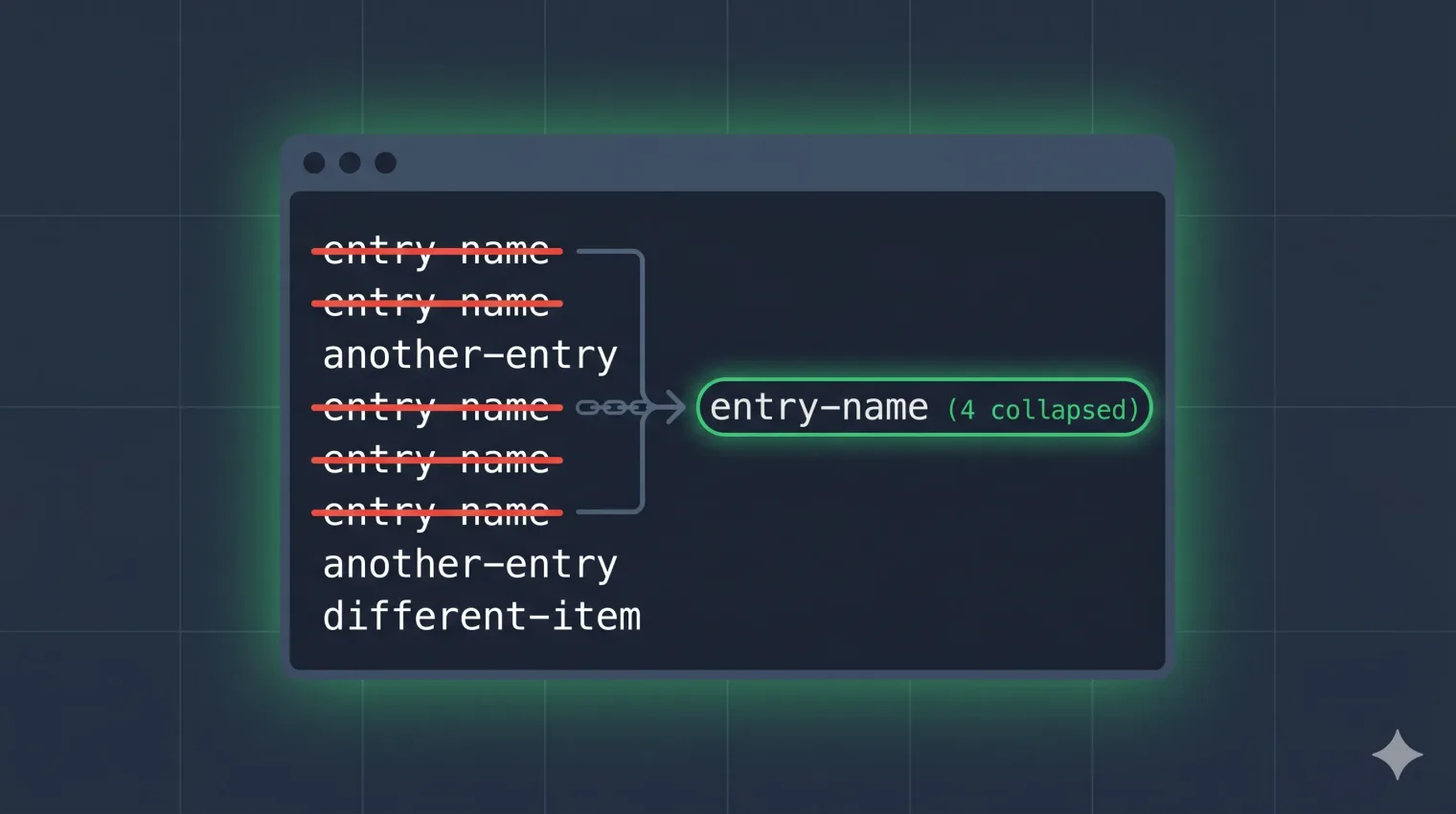
VS Code does a lot of things. Removing duplicate lines isn't one of them — at least not natively. There's no "Remove Duplicates" entry in the Command Palette. Never has been.
If you've ended up with a bloated config file, a CSV with repeated rows, or a log dump full of identical entries, you've gone looking for the command that doesn't exist. Here are the five methods that actually work, ranked by when to reach for each one.
Method 1: The Sort-First Workaround (VS Code, No Extensions)
This is the zero-dependency approach. It works when line order doesn't matter — think .gitignore entries, dependency lists, keyword files.
- Open the file in VS Code
- Select all:
Ctrl+A(Windows/Linux) orCmd+A(macOS) - Open the Command Palette:
Ctrl+Shift+P/Cmd+Shift+P - Run Sort Lines Ascending (A→Z)
- Duplicate lines are now adjacent — they're visually obvious
- For small files: delete the consecutive repeats manually
The limitation is obvious: this destroys your original ordering. For a .gitignore or an import list, that's fine. For a log file where sequence matters, it's a non-starter.
Method 2: The Terminal One-Liner (Order Preserved)
For files where order matters, this is the correct approach. One command, no editor required.
macOS / Linux — preserves order:
awk '!seen[$0]++' input.txt > output.txt
This is elegant. seen[$0] is an associative array keyed by the full line content. ! inverts truthiness — the line prints only the first time it's encountered. Every subsequent duplicate is silently dropped. Order preserved, zero configuration.
macOS note: The system
awkon macOS is One True Awk, which can behave unexpectedly with complex Unicode content or Windows-style\r\nline endings. If you're dealing with either, install GNU awk via Homebrew (brew install gawk) and substitutegawkforawkin the command above.
macOS / Linux — fastest, but order NOT preserved:
sort -u input.txt > output.txt
sort -u is a C implementation using external merge sort. For files over 500,000 lines it's measurably faster than awk. But it alphabetizes the output, which makes it wrong for structured data.
Windows PowerShell — preserves order:
Get-Content .\input.txt | Select-Object -Unique | Set-Content .\output.txt
Select-Object -Unique keeps the first occurrence and drops subsequent matches. Equivalent to the awk approach in behavior.
Method 3: Regex Find & Replace (Consecutive Duplicates Only)
If your duplicates appear back-to-back, the Find & Replace tool can catch them with a regex. This pattern matches consecutive repeated lines:
^(.+)(\r?\n\1)+$
Replace with: $1
In VS Code: Ctrl+H → enable regex (Alt+R) → paste the pattern → replace all. VS Code handles line-by-line ^ and $ boundaries automatically in Find & Replace — no extra multiline flag needed, but Regex mode must be on or the ^, $, and \n characters are treated as literals. To catch case-variant consecutive duplicates (e.g. Error and error back-to-back), toggle Match Case (Alt+C) off in the Find panel — inline (?i) flags in VS Code's regex engine behave inconsistently across versions and are less reliable than the panel toggle.
The critical limitation: this only removes consecutive duplicates. If line A appears on row 1 and row 100 with different content in between, this regex misses it entirely. The awk and sort -u approaches scan the full file regardless of position.
For regex syntax, capture groups, and lookahead patterns — the Regex Find & Replace guide covers everything you need to adapt this pattern to more complex scenarios.
Method 4: VS Code Extension
The "Remove Duplicate Lines" extension by Pauls0n adds exactly one command to the Command Palette. Install it, select your text (or the whole file), run the command, done.
The tradeoff: it requires an install and trust grant. On a machine you don't control — a company laptop, a VPS, a colleague's workstation — that's not always an option. For a recurring workflow on your own machine, it's the cleanest VS Code-native solution.
Method 5: The Browser Tool (No Setup, Any Machine)
Paste your text into our Remove Duplicates tool — runs entirely in your browser's V8 engine, zero data transmitted anywhere — and you get instant results with controls that the terminal methods don't expose:
- Keep first or keep last occurrence (sort -u keeps "first" arbitrarily based on sort order; this is explicit)
- Case-insensitive toggle (no
tolower()gymnastics in awk) - Trim whitespace before comparing (so
" hello "and"hello"collapse to one line) - Before/after preview with a line count summary
For a one-off cleanup task on any machine, this is the fastest path. Open browser, paste, copy result.
Method Comparison
| Method | Preserves Order | Case-Insensitive | Trim Whitespace | Consecutive Only | Setup |
|---|---|---|---|---|---|
| VS Code sort workaround | No | No | No | No | None |
awk '!seen[$0]++' | Yes | Add tolower() | gsub(/^[ \t]+|[ \t]+$/, "") | No | Unix terminal |
sort -u | No | -f flag | No | No | Unix terminal |
PowerShell Select-Object -Unique | Yes | -CaseSensitive flag | No | No | Windows |
| VS Code extension | Yes | Depends | Depends | No | Extension install |
| Remove Duplicates online | Yes | Toggle | Toggle | No | None |
| Regex Find & Replace | Yes | (?i) flag | Manual | Yes | None |
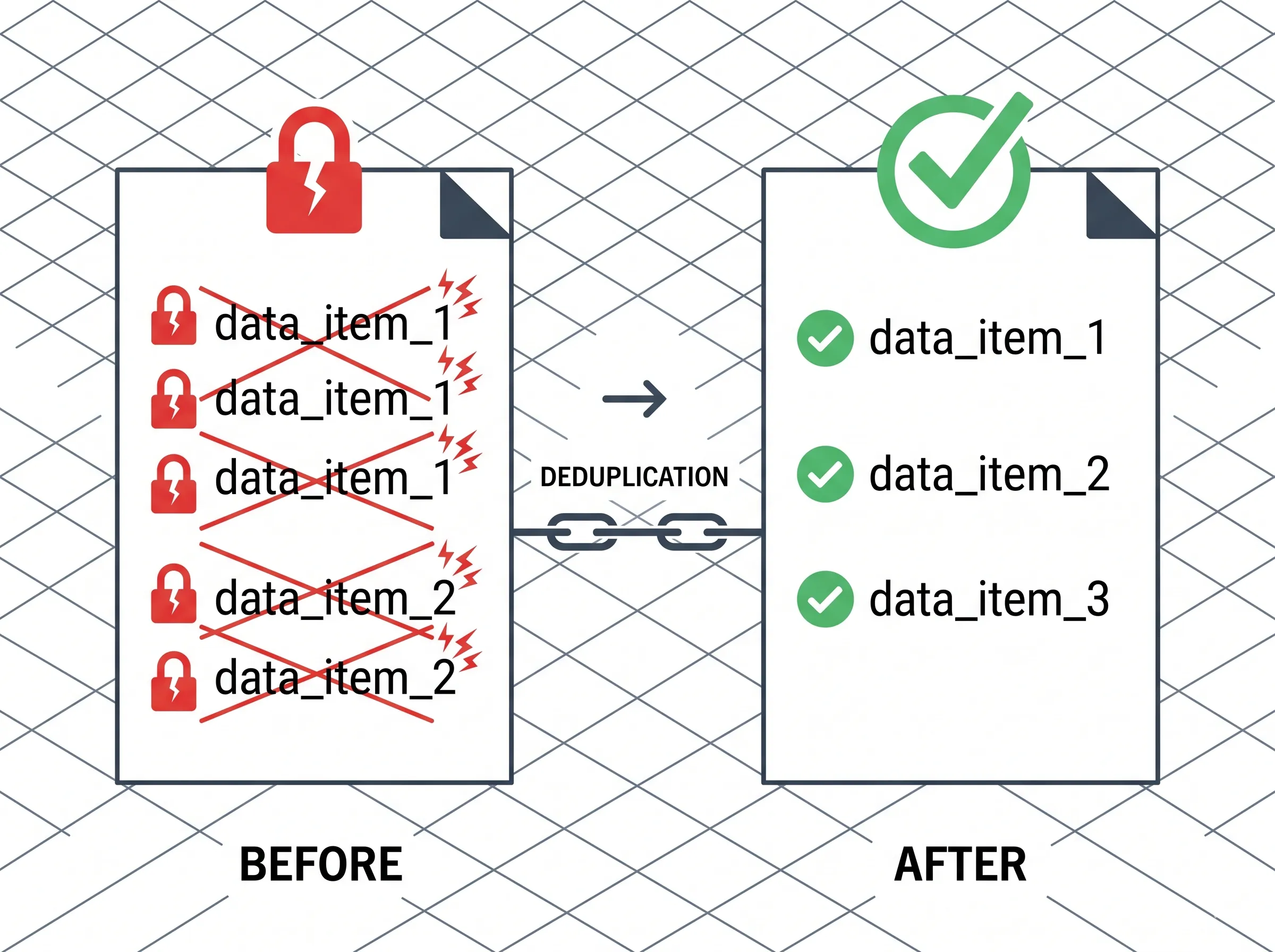
The Whitespace Trap
This catches developers every time: "hello" and " hello " are not the same string. String comparison is exact by default. If your duplicates have inconsistent leading or trailing spaces — which happens constantly with copy-pasted content, PDF extractions, and spreadsheet exports — you'll run dedup and still have "duplicates" left.
The fix is to trim first, then dedup. The Remove Duplicates tool handles this with a checkbox. In awk:
awk '{gsub(/^[ \t]+|[ \t]+$/, "")} !seen[$0]++' input.txt > output.txt
gsub(/^[ \t]+|[ \t]+$/, "") strips leading and trailing spaces and tabs from each line before the dedup check — without touching anything inside the line. This means tab-separated values and CSV fields stay intact. It won't catch non-breaking spaces (U+00A0) or zero-width spaces (U+200B) though — those survive standard trimming. If you're cleaning up text that came from a PDF paste or a web copy, run it through Remove Spaces first to strip the invisible characters, then deduplicate.
For a deeper look at why pasted text arrives contaminated in the first place, How to Remove Extra Spaces From Text Online covers the PDF coordinate-based extraction problem and the Unicode whitespace variants that str.trim() silently misses.
When Duplicate Lines Are a Symptom, Not the Problem
If you're regularly deduplicating the same file, the root cause is almost always an idempotency bug upstream. Common patterns:
- A cron job that appends to a file instead of overwriting it
- A log aggregator with no
DISTINCTin its SQL query - A startup script that re-adds config entries that already exist
- A Git merge that duplicated context lines in a badly resolved conflict
Deduplicating manually is the bandage. Fixing the generator is the fix. Run dedup once to clean the current state, then trace back to why the input is producing repeats in the first place.
Senior Dev Insight: Always Output to a New File
🍌 Never run deduplication directly on your production
.envfiles or application config without a backup. Always pipe the output to a new file — as in the examples above — and run a quickdiff input.txt output.txtbefore replacing the original. It's easy to accidentally collapse two lines that look identical but carry structurally different values (like twoDATABASE_URLentries pointing to different replicas). Diff first, replace second.
Sorting After Deduplication
Once duplicates are gone, you may want the remaining lines sorted — useful for .env files, import lists, or dictionary files where alphabetical order aids readability and code review diffs.
The Sort Lines tool handles it: A→Z, Z→A, shortest-first, longest-first, or random shuffle via Fisher-Yates. The recommended order is always deduplicate first, then sort — not the reverse, which would give you sorted input going into a comparison that may behave differently than expected.