
By kodewright · Published: 2026-06-10
Compare Two Text Files Online Free (No Install, No Upload)
Diff two text files in your browser — no WinMerge, no install, no upload. Spot every changed line and word instantly, even across encodings. Compare now.
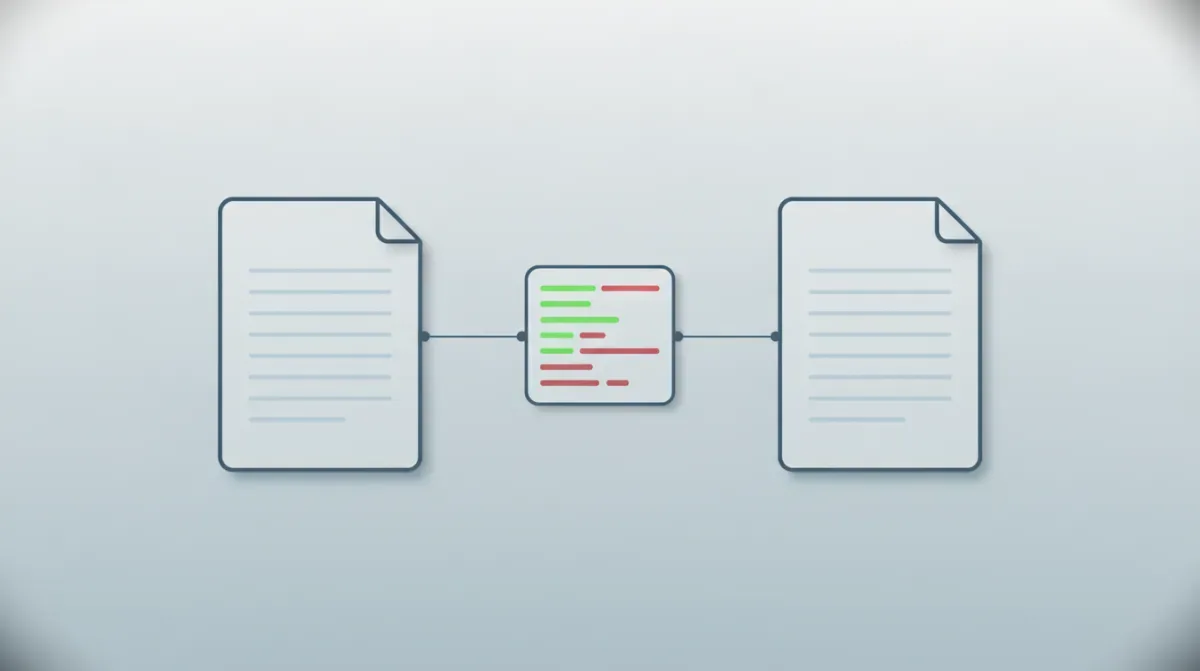
You've got two versions of the same file and you need to know exactly what changed. A config that worked yesterday and broke today. Two CSV exports that should match but don't. A contract a colleague "barely touched." Opening both in separate windows and scanning line by line is how you miss the one character that matters.
Skip that. Open each file, copy its contents, and paste them into our Text Diff Checker — it runs 100% in your browser, zero data sent to any server — and every added, removed, and unchanged word is color-coded instantly. No install, no upload dialog, no "processing your document" spinner. Green for new, red for gone, gray for unchanged.
The Fastest Way to Compare Two Text Files
You don't upload files — you paste their text. That's a feature, not a limitation: it strips the binary wrapper and diffs the content directly.
- Open the first file in any editor (Notepad, VS Code, TextEdit,
cat, whatever) - Select all (
Ctrl/Cmd+A) and copy - Paste into the left box of the Text Diff Checker
- Repeat with the second file in the right box
The diff renders live the moment both boxes have content. A summary bar reports the counts — X added, Y removed, Z unchanged — which is often all you need to answer "how much actually changed?" before reading a single line.
If you're pasting two blocks of prose rather than file contents, the workflow is identical — we cover that casual case in how to compare two texts online. This article is for when the source is a file, because files come with their own set of traps.
Online vs Desktop Diff Tools: What You Actually Trade
The classic answer to "compare two files" is a desktop app. Those still have their place — but for a quick comparison, the trade-offs have shifted.
| Tool | Install | Cost | OS | Best for |
|---|---|---|---|---|
| Text Diff Checker (online) | None | Free | Any browser | Quick one-off diffs, locked-down machines |
VS Code (Compare Selected) | Editor required | Free | Win / Mac / Linux | Devs already living in the editor |
| WinMerge | Yes | Free | Windows only | Folder diffs, in-place editing |
| Beyond Compare | Yes | Paid | Win / Mac / Linux | Three-way merge, power users |
diff / git diff (CLI) | Preinstalled (Unix) | Free | Mac / Linux | Scriptable, version-controlled files |
The online tool wins on exactly one axis, but it's the one that matters most often: setup time is zero. There's nothing to download, nothing to license, and it runs on a corporate laptop where you can't install software. The desktop apps win when you need folder-level comparison, three-way merges, or to edit a file in place. Match the tool to the job — don't reach for a 30 MB install to check what changed in two snippets.
The File Gotchas That Make "Identical" Files Differ
This is where file comparison gets its own failure modes that pasted prose never hits. Two files can render identically in your editor and still diff as completely different. The reasons are almost always invisible:
- Byte Order Mark (BOM) — A file saved as UTF-8 with BOM carries a hidden
U+FEFFat the very start. The same text without BOM doesn't. Editors hide it; the diff doesn't. - Line endings — Windows writes
CRLF(\r\n), macOS and Linux writeLF(\n). A file round-tripped through the wrong editor flips every line ending — and a byte-level diff flags every single line. - Encoding mismatch — UTF-8 vs UTF-16 vs legacy Windows-1252. Re-save a file in a different encoding and accented characters silently change bytes.
- Smart quotes & non-breaking spaces —
U+2018/U+2019andU+00A0sneak in from copy-pasted web or Word content and never match their ASCII equivalents.
The fix is a 10-second pre-clean. Run both files' contents through the Remove Spaces tool first — it straightens smart quotes, strips non-breaking spaces, and normalizes line endings in one pass, so the diff shows real changes instead of encoding noise. We unpack the full mechanics in how to remove extra spaces from text online. Clean first, then diff.
What People Actually Compare
"Compare two text files" covers a lot of very different jobs. Here's who reaches for it and what they're hunting:
| Who | Comparing | Looking for |
|---|---|---|
| Developers | config.prod.json vs config.dev.json | The one setting that differs between environments |
| DevOps | Old .env vs new .env | A renamed or removed variable that broke a deploy |
| Data analysts | Yesterday's CSV export vs today's | Which rows or values actually changed |
| Legal / ops | Contract sent vs contract returned | Every clause the counterparty quietly edited |
| Writers | chapter-v3.txt vs chapter-v4.txt | Whether a late edit cut a key line |
That config-vs-config case is the bread and butter. Drop production on the left, staging on the right, and the green/red split surfaces the exact drift between two environments — far faster than reading two 200-line JSON files top to bottom.
How the Comparison Actually Works
Under the hood, the diff runs the Longest Common Subsequence (LCS) algorithm — the same dynamic-programming approach behind git diff. It computes the longest run of tokens shared by both files in the same order, then marks everything outside that run as added or removed. No fuzzy matching, no guessing.
The cost is $O(m \times n)$, where m and n are the token counts. Two 5,000-word files — 25 million cells in the comparison matrix — still resolve in well under a second on a normal laptop. It just works.
Tokenization is where a junior implementation falls apart. Splitting on spaces with text.split(' ') breaks the instant you feed it a minified line, a CSV with no spaces, or CJK text — returning one giant token so any edit lights up the whole line. The Text Diff Checker tokenizes with Intl.Segmenter instead: the W3C-standard, locale-aware segmenter built into every modern browser — the same API we benchmark in how to count words in JavaScript. It keeps numbers and symbols attached to their tokens, so changing a config's 8080 to 9090 flags exactly that token, not the whole line:
| Token in A | Token in B | LCS verdict | Rendered as |
|---|---|---|---|
port | port | in common subsequence | gray — unchanged |
8080 | — | missing from B | |
| — | 9090 | missing from A | green — added |
Tokenize → align with LCS → wrap each token in a colored span. Three stages, no server.
Bulk-Edit Before You Diff
Sometimes the change between two files isn't accidental — it's a systematic rename you want to make, then verify. Swapping a hostname across a config, renaming a column in a CSV header row, normalizing a key name before comparing.
For that, reach for Find & Replace. Make the bulk change on one version, then diff it against the original to confirm the replacement hit every instance and nothing else. It supports full regex with the u flag for Unicode, so you can match patterns like /host-\d+/gu rather than literal strings. Keep the division of labor straight: Find & Replace makes changes, the Diff Checker shows them. Together they're a tight edit-and-verify loop.
And if you just want each file's size — word count, line count, reading time — paste it into the Word Counter for the full breakdown.
Why In-Browser Matters More for Files
Most "compare files online" services POST your two files to a backend, diff them server-side, and send the result back. For two grocery lists, fine. For an .env full of credentials, a customer CSV under GDPR, a server log with private IPs, or an unsigned contract — that's confidential file content sitting in someone else's logs.
The Text Diff Checker never makes that request. The LCS computation runs in the same V8 engine rendering this page; your file contents never leave the tab. No upload means nothing to intercept, cache, or hand over. For anyone diffing files that carry secrets or personal data, that's not a nice-to-have — it's the whole point.
Two files, one comparison, zero bytes leaving your machine. Open the Text Diff Checker and find out exactly what changed.